Maker tools · Official US store
Creality 3D Printers: Choose Your First US Setup
Creality makes 3D printers that turn digital models into physical objects. This guide is for US shoppers comparing the printer, materials and setup needed for a first purchase from the official US store.
Start with the object you want to print. Then compare the machine, material and working space that project requires, before paying for a larger printer or extra accessories.
Affiliate disclosure: PokiSky may earn a commission on eligible purchases through the links in this guide. How our links work.
Choose the workflow before choosing the printer
The official US collection groups filament and resin machines. It positions SPARKX and Ender models as starting points for beginners, K2 models for multicolour projects, and resin printers for fine-detail work. These are supplier descriptions, not results from hands-on testing by PokiSky.
First hobby projects
Compare assembly steps, setup guidance, supported materials and the space needed for the machine and moving parts. Begin with one printable object rather than a long accessory list.
Colour or larger parts
Check the exact printer and bundle. Confirm whether a filament system is included and whether your intended object fits the usable print area.
Detailed small models
Research the complete resin workflow before choosing by detail alone. Read the manufacturer’s handling, cleaning, curing and workspace instructions for the selected materials.
Printing for customers also requires reliable production, model-use rights and realistic costing. A printer purchase does not establish saleable quality, regulatory suitability or a profitable business.
Similar names can hide different purchase choices
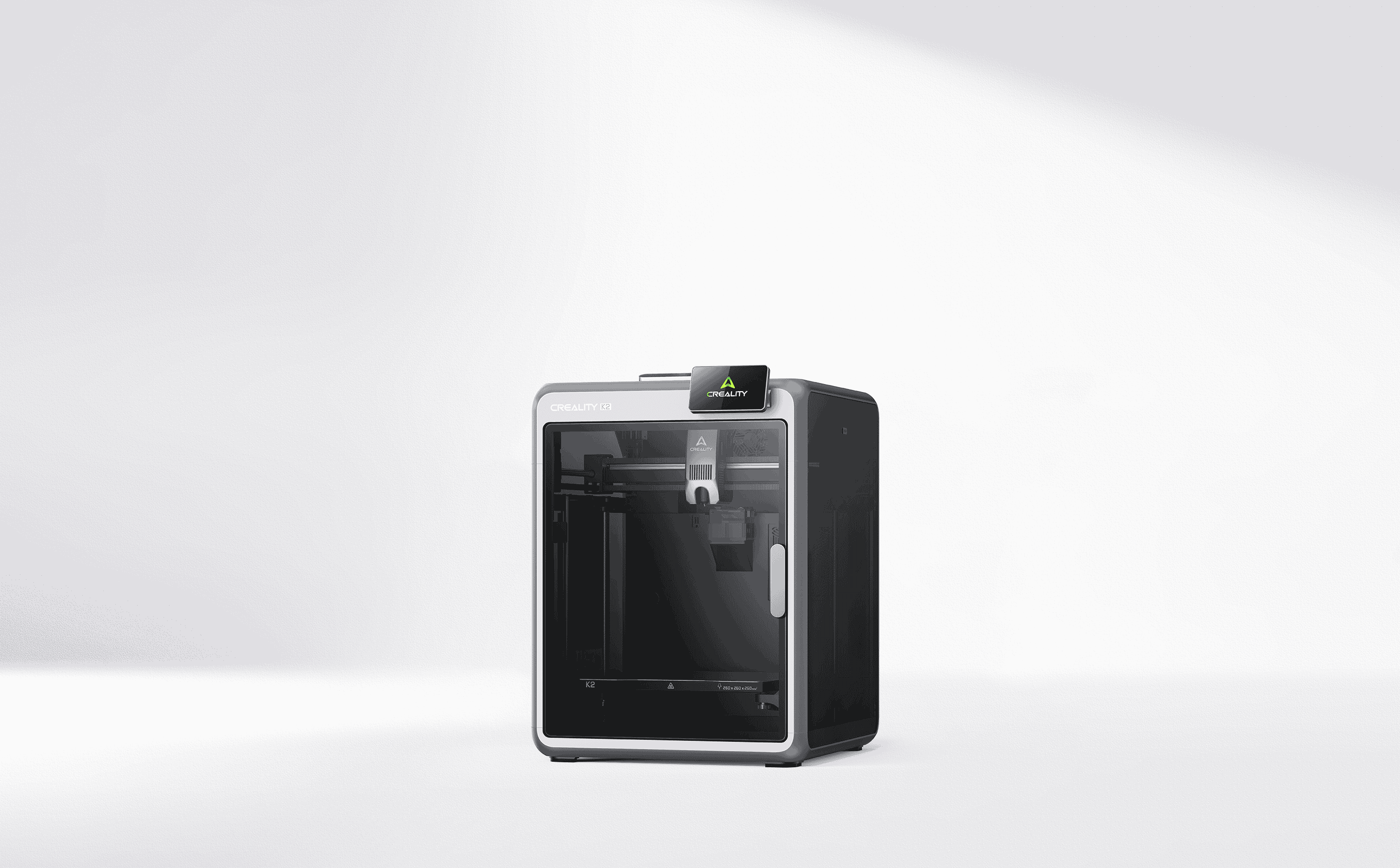
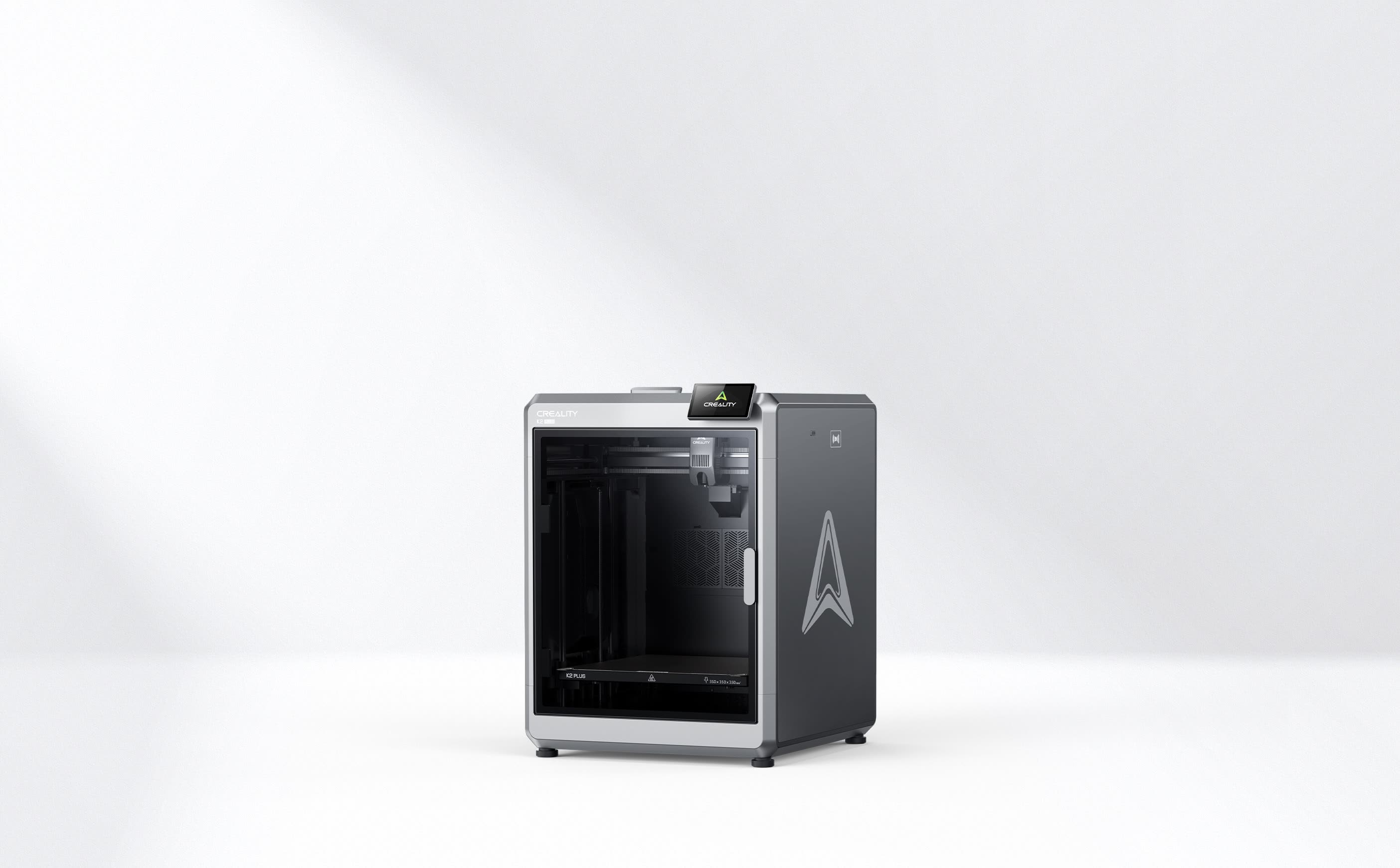
Compare the full model designation and selected variant. K2, K2 Pro and K2 Plus are separate models. A product listing can offer a printer by itself or a bundle; the photograph does not establish everything included in the option you select.
For an example of model-specific checking, Creality’s Ender-3 V3 SE page describes automatic levelling and compatibility with PLA, PETG and TPU. Those details belong to that model; do not transfer them to every Ender printer or assume every material profile works equally well.
Read the manual and current specifications for your chosen machine. Compare software requirements, maintenance access, available consumables and how you will get help if setup fails.
Budget for the complete setup
- Printer and bundle: compare the selected option, not a starting price for another variant.
- Materials: include filament or resin for learning, failed prints and the projects you actually plan to make.
- Workspace and workflow: allow for the machine, accessories, storage and any equipment required by the selected printing process.
- Ownership: consider replacement parts, maintenance, electricity and your time.
- Delivered total: check shipping, taxes, address eligibility and any optional services in the US checkout.
We do not publish a fixed price or a blanket discount here. Prices, stock and bundles can change. This guide links to the official US printer collection and does not establish delivery to Brazil or every international destination.
Confirm the seller’s terms before you pay
Check the dispatch location, delivery estimate and support contact for the selected US order. Read the current warranty, returns and cancellation conditions, including any requirements for opening, using or returning the machine.
This guide does not promise a universal return period, free returns or worldwide warranty coverage. Keep the model number, bundle description and order confirmation so you can compare what arrived with what you ordered.
A useful first-purchase check
Can you name your first project, suitable material, required print area, available workspace and delivered budget? If any is unclear, resolve that detail before choosing the most expensive bundle.
Questions before choosing
Is the most expensive model best for a beginner?
Not automatically. Compare your first projects with setup requirements, usable print area, materials and the total cost of ownership.
Does a product photo show everything in the box?
No. Read the selected variant and bundle contents. Product images can show equipment or combinations that differ from the option in your cart.
Does this link serve Brazil?
The affiliate link opens the US printer collection. Delivery and regional terms must be confirmed for the intended destination; this guide does not establish Brazilian delivery.
Sources and scope
Supplier pages reviewed on 18 October 2026. This is a documentary purchase guide, without independent printer testing.
Build your starting setup
Find a Creality printer for your first projects
Compare the exact machine, bundle and current delivered total in the US store.